Christmas photos are the hardest photos of the year. Fairy lights turn skin orange, candles make everything yellow and the daylight outside is grey by three o'clock.
As a photographer I edit a lot of December shoots. These are the steps I use on my phone.
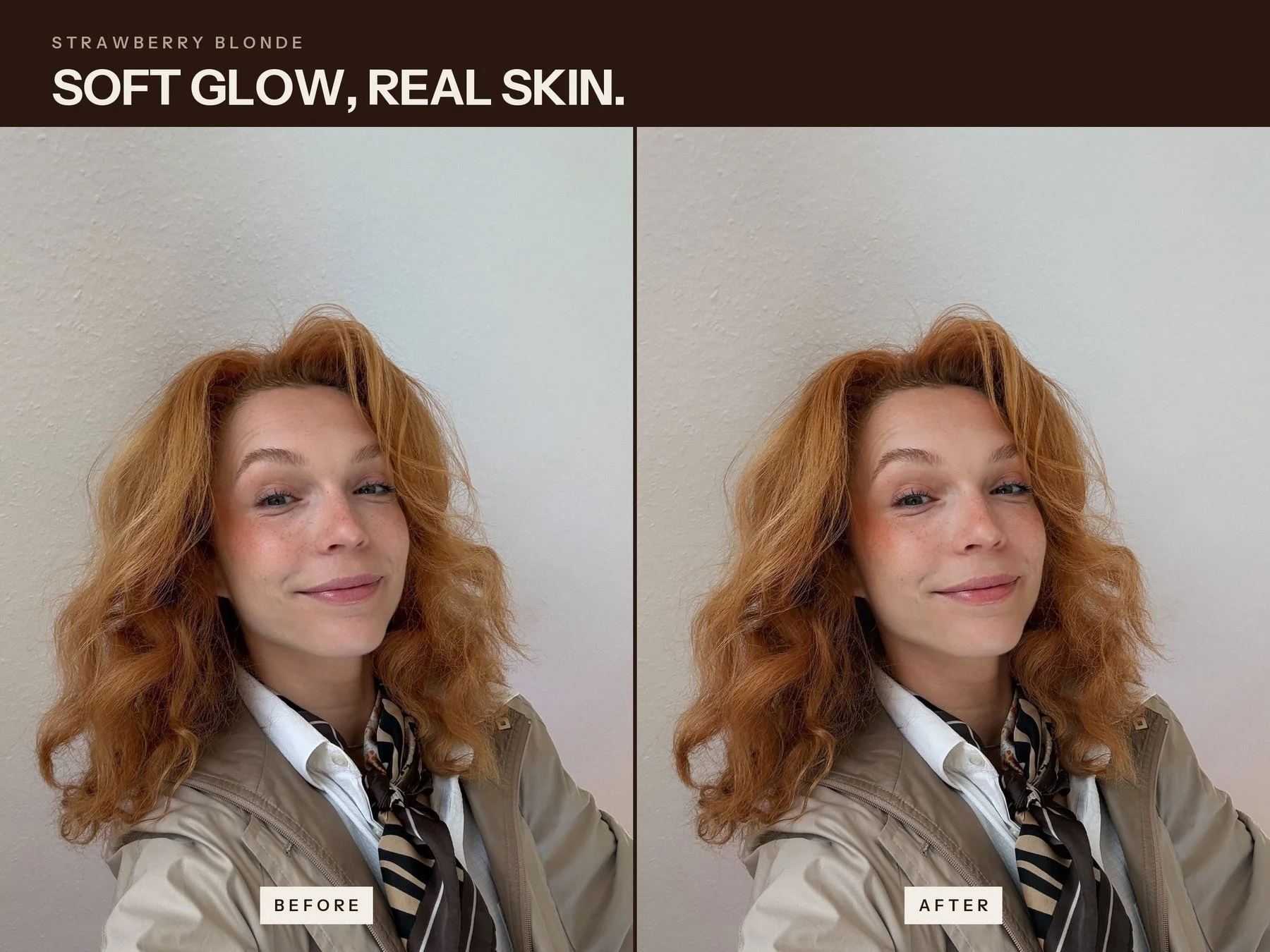
Grey winter daylight, strawberry blonde hair. After one tap the skin has a soft glow and the white shirt stays white.
1. Turn off the ceiling light
Mixed light is the main reason Christmas photos look odd. Use the window or the fairy lights, not both plus a ceiling lamp.
2. Fix the whites first
Find something white in the photo: a wall, a napkin, a shirt. Adjust the temperature until it looks white, not yellow. Then the skin will follow.
3. Keep the glow, lose the orange
Fairy lights should stay warm. Skin should not. Lower the orange saturation slightly instead of cooling the whole photo.
4. Edit the whole album the same way
Christmas photos end up in one album or one carousel. If every photo has a different look, it feels messy. Use one preset for all of them.
The one-tap version
My preset Soft Daylight does steps 2 to 4 for you: warm light, natural skin, clean whites. It works in the free Lightroom app on iPhone and Android, and it also makes a nice digital gift for anyone who loves taking photos.
Get it here: Soft Daylight or in my Etsy shop.